
ColourPal
A colour science playground for macOS
ColourPal is a novel palette generator built on the principle of additive colour summation: three primaries whose RGB values add up, channel by channel, to a chosen target. The result is a seven-colour set with guaranteed complementary pairs and a built-in sense of cohesion. Adjust any one circle and the others redistribute to keep the relationship true.
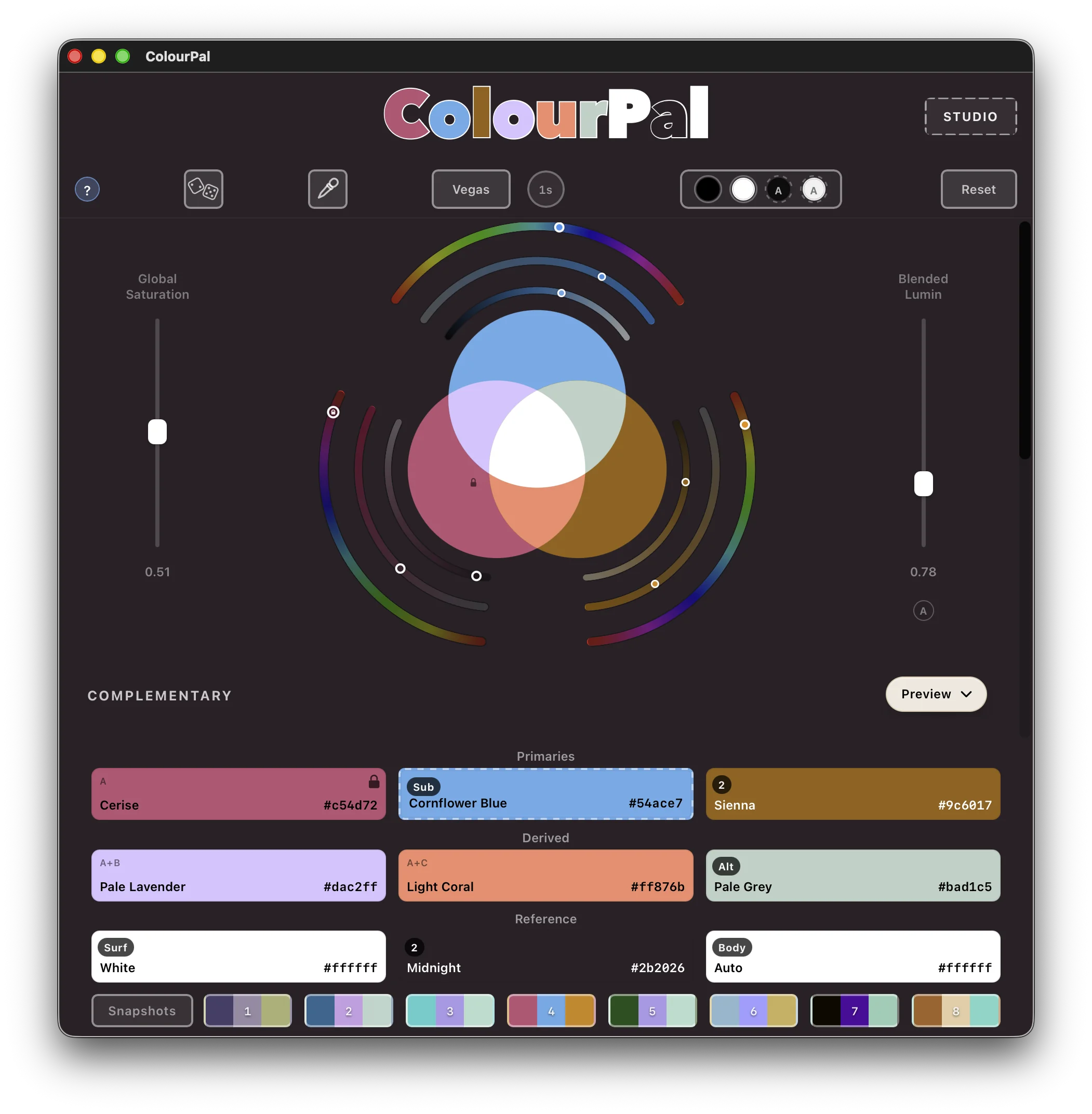
The Venn diagram is the palette
Three outer circles are your primaries — A, B, and C. Where two overlap you see their pairwise blend. Where all three meet you see the target the palette is summing to. Seven colours, mathematically guaranteed to play together.
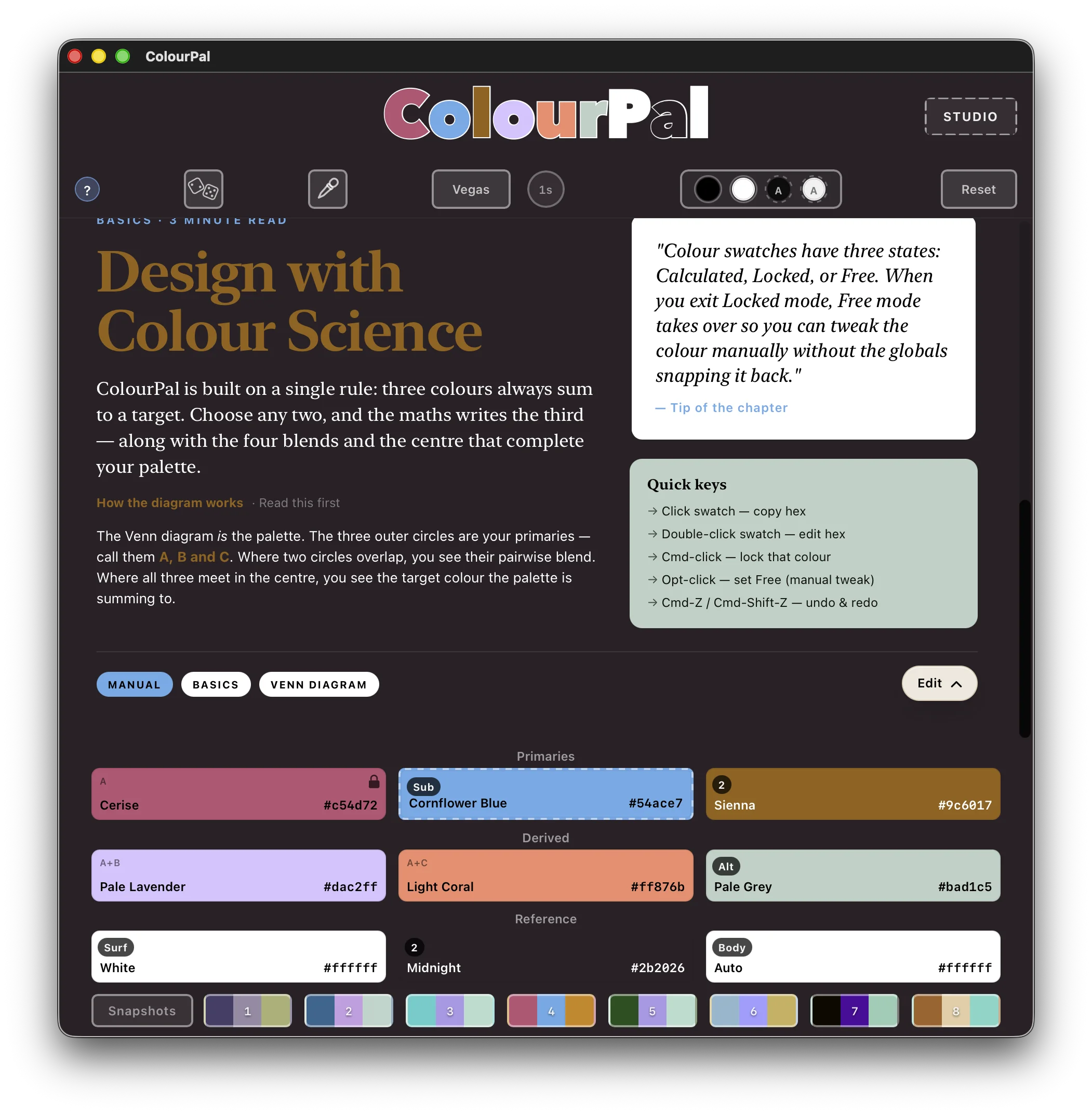
See the palette in context
A live editorial preview shows every palette colour playing the role it was made for — headings, body text, highlights, surfaces. Click any element to reassign its colour, or click a swatch to see which roles it drives.
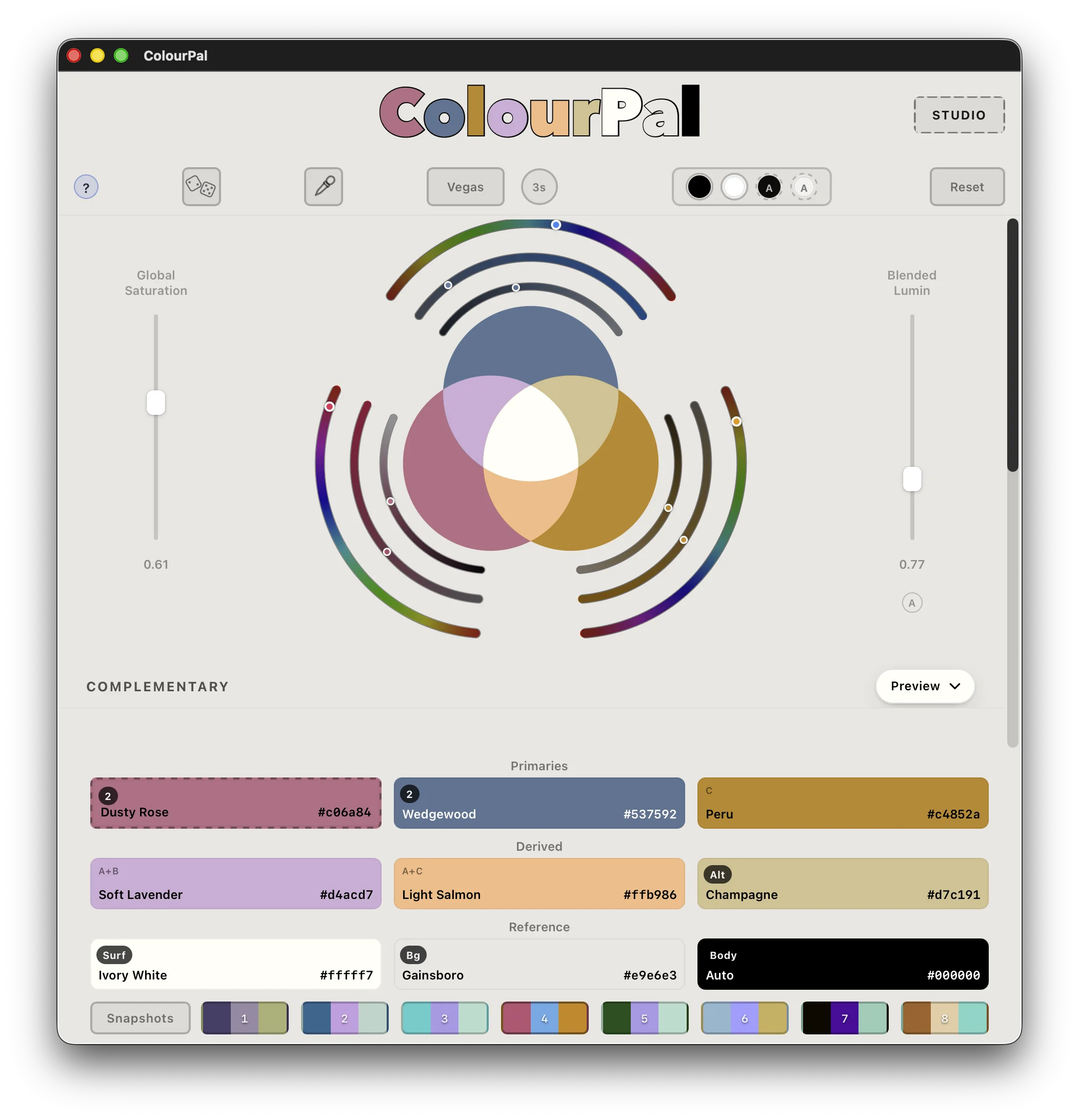
Light or dark — same maths
ColourPal follows your macOS appearance, no setting required. Same constraint solver, same seven colours, no compromise either way. Snapshot eight palettes at once, export to .ase, CSS, Tailwind, Material, Xcode, GIMP, Android XML, WordPress theme.json, or DTCG when you upgrade to Studio.
Why look like everyone else?
Most colour tutorials tell you how to copy someone else’s palette and call it a lesson. ColourPal hands you the method instead — so the colours you arrive at are genuinely your own.
Find your own original identity.
Features
The controls that turn the constraint solver into a working tool.
Lock individual colours
Pin specific swatches to their exact RGB. The constraint solver redistributes the rest of the palette around them — ideal for working with brand colours.
Free mode
Decouple any swatch from the global sliders to fine-tune it manually while the rest of the palette stays in sync.
Eyedropper
Sample any colour from anywhere on screen and drop it straight into the palette.
Vegas mode
Inspiration on demand — cycle through random palettes until something sparks an idea. Perfect for breaking out of a stuck moment.
Copy & paste hex
Click any swatch to copy its hex value; double-click to type or paste a new one in.
Eight snapshot slots
Save and recall whole palettes for A/B comparisons without losing your place.
Edit mode and Preview mode
Toggle between the diagram-driven editor and a live editorial preview that maps your palette across headings, body, surfaces, and links.
Global saturation control
Move every primary’s saturation together with a single slider, keeping colour depth consistent across the palette while you shift its mood.
Multiple export formats
Send your palette to Affinity, Illustrator, Figma and others — .ase, CSS, Tailwind, Material tokens, Android XML, Xcode asset catalogs, GIMP, WordPress theme.json, and DTCG.
Documentation & policy
ColourPal collects no data. No accounts, no analytics, no telemetry. Read the full policy or browse the help reference below.